Bypassing App Stores with Progressive Web Apps (PWAs)
Apple’s App Store and Google’s Play Store maintain restrictive and often unpredictable review policies regarding real-money online gambling applications. Furthermore, native app updates require prolonged review cycles and cumbersome multi-megabyte app downloads for end users.
The modern technical alternative is the Progressive Web App (PWA), which delivers native-app performance, offline asset resilience, and home screen installation directly via standard mobile browsers.
The Service Worker: An In-Browser Network Proxy
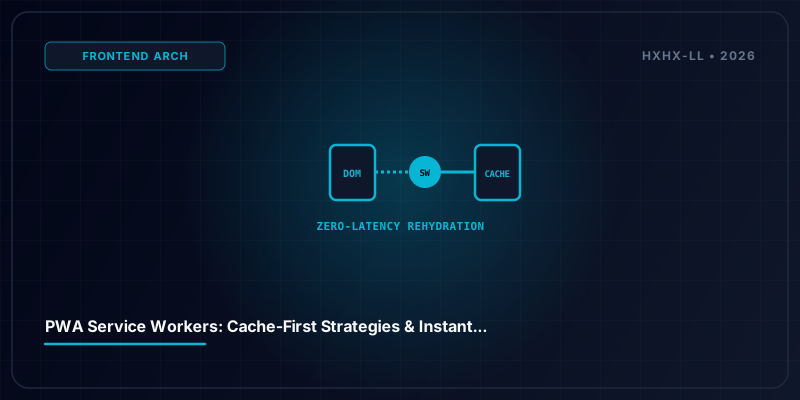
The architectural cornerstone of a PWA is the Service Worker—a background script running on an independent execution thread isolated from the main web page DOM:
- Network Interception: The service worker intercepts every outbound HTTP request initiated by the web application.
- Cache-First (Stale-While-Revalidate) Strategy: When a player requests core UI assets (CSS stylesheets, font files, vector icons, navigation scripts), the service worker checks the local Cache Storage API first.
- Zero-Latency Asset Loading: Stored assets resolve locally within 5 milliseconds from device flash memory, eliminating network latency entirely on repeat visits.
Web App Manifest and Standalone Display Mode
By including a certified manifest.json manifest file:
- The portal defines custom branding:
display: standalone, app icons, theme background color, and default portrait orientation. - Mobile browsers display a clean “Install App” prompt.
- Once added to the device home screen, the portal launches in a dedicated, chromeless window without the browser URL bar or bottom navigation controls, providing an indistinguishable native application experience.